
A single email can cause millions dollar loss. It may look surprising, but even the world’s largest organizations have suffered financial loss due to spear phishing attacks. This attack is not like a generic scam, and identifying it is even more difficult.
This blog helps understand what spear phishing attacks are, how they work, the warning signs, and how you can prevent it.
What is Spear Phishing Meaning?
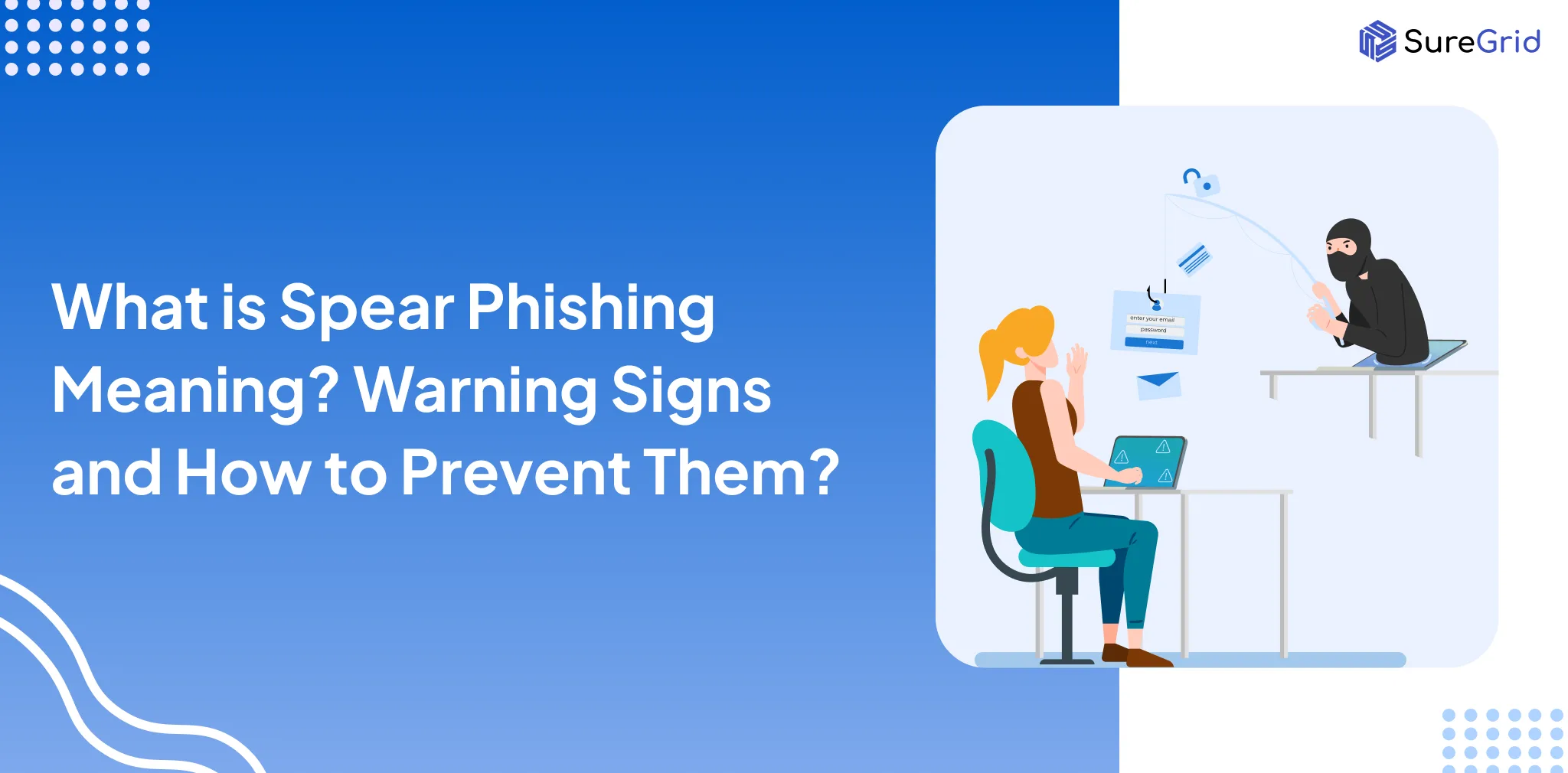
Spear phishing is a targeted cyber attack in which a fraudster targets a specific person or organization. In normal phishing, the same fake email message is sent to thousands of people; however, in spear phishing, attackers research the victim and then send a personalized message.
To understand spear phishing meaning, let’s take a real-life example.
Google and Facebook ($100 Million Scam)
Between 2013 and 2015, a Lithuanian scammer named Evaldas Rimasauskas successfully tricked employees at Google and Facebook using convincing targeted emails.
He created a fake company that looks exactly similar to the real supplier Quanta Computer. After that, he sent the finance team payment requests and invoices.
Employees thought the invoices were received from their regular vendor, so they approved the payment and lost more than $100 million.
Simplify Your Compliance & Stay Audit-Ready
Help your team manage controls, risks, and audits with ease
How is this a case of Spear Phishing Attack?
This is a case of spear phishing because:
- The attacker thoroughly researched the companies and the vendor relationship
- He targeted specific finance employees
- He created personalized business emails and impersonated a vendor identity
It was not a random phishing; it was a well-planned and targeted attack.
What is the Purpose of Spear Phishing?
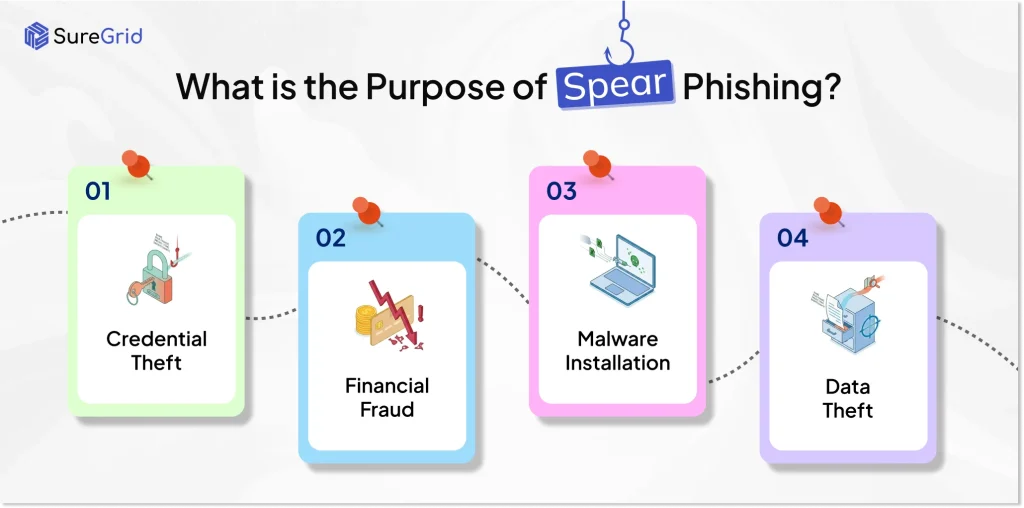
Attackers use this fraudulent technique for:
- Credential Theft: Attackers use it to steal usernames, passwords, OTP, or login credentials. They redirect the victim to the fake login page to get their data.
- Financial Fraud: Cybercriminals impersonate vendors, trusted partners, or company executives to approve payments, transfer funds, or pay for fake invoices.
- Malware Installation: Victims are urged to open malicious attachments or click infected links. These links are used to install malware, spyware, and ransomware on the victim’s device.
- Data Theft: Attackers target sensitive information such as customer records, financial information, business documents, trade secrets, and other confidential company information.
How Does Spear Phishing Work?
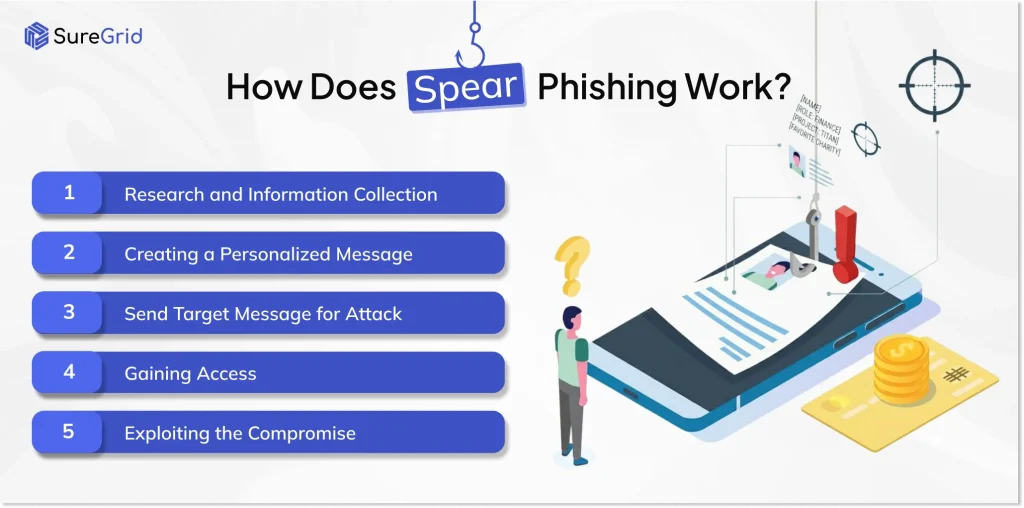
An attacker follows a series of steps to execute this scam:
- Research and Information Collection: The attacker collects information about the target victim from various sources. This includes social media profiles, company websites, LinkedIn, press releases, and online databases.
- Creating a Personalized Message: After collecting the necessary information, attackers create messages that look legitimate. The attacker uses the identity of a trusted manager, vendor, or executive.
- Send Target Message for Attack: The fraudster sends the fraudulent message to the target. The email may contain:
- A malicious link leading to a fake login page.
- An infected attachment containing malware
- A request to share confidential information
- A fraudulent payment or invoice request
As the message appears legitimate, the victim may fall into the trap.
- Gaining Access: When victims click the link, open the attachment, or provide sensitive data. The attacker can get access credentials, systems, financial data, or business information.
In some cases, malware is installed on the victim’s device. It allows attackers to monitor activity, steal data, or gain persistent access to corporate networks.
- Exploiting the Compromise: Once access is obtained, attackers may:
- Steal Sensitive Information
- Conduct financial fraud
- Launch ransomware attacks
- Access additional systems and accounts
- Sell stolen information on underground marketplaces
What are the Warning Signs of Spear Phishing Attacks?
These phishing emails are personalized, which makes it difficult to identify. However, there are common warning signs:
- Suspicious Sender Email Address: Whether you are a business or an individual, you should carefully check the email address. There is a very small difference between the actual and fake email addresses.
Example:
Original: [email protected]
Fake: [email protected]
- Creating Urgency and Pressure: Attackers create pressure on the victim to take immediate action without lots of thinking. You should verify the message after that and take any action.
Example:
Immediate action required
Last day to pay
The account will be blocked in 30 minutes
- Unexpected Link or Attachment: Getting suspicious of a sudden invoice, contract, salary sheet, KYC document, or password-protected file. Before clicking on the link, you should verify the source.
- Asking for Login Credentials or Information: No genuine organization ever asks for a password, OTP, MFA Code, bank details, or confidential documents through email.
- Mismatched or Suspicious URLs: The victim receives an email where the link URL seems genuine, but the URL redirects to another URL.
Example
In email, microsoft.com
When you click on the link microsoft-logi-secure.net
- Unusual Request from the Senior Management: Be careful if a CEO, CFO, manager, or vendor suddenly asks you to:
- Purchase Gift Cards
- Approve an urgent payment or wire transfer
- Share sensitive files or confidential information
Always re-verify such a request through a different communication channel, like a phone call, Microsoft Teams, or WhatsApp, before taking any action.
How to Prevent Spear Phishing?
A business should implement the following tips to prevent such attacks:
Conduct Employee Security Awareness Training
Employees are the prime target of attackers. Regular training helps staff recognize suspicious emails, fake invoices, malicious links, and social engineering tactics.
The organization should conduct phishing simulation exercises for testing awareness.
Implement Multi-Factor Authentication (MFA) Across the Organization
You should enable MFA for all the business accounts, especially:
- Email Systems
- Cloud Applications
- Financial Platforms
- Administrative Accounts
It significantly reduces the risk of account compromise.
Establish Verification Procedures for Financial Requests
It requires employees to verify:
- Wire transfers
- Vendor Payment Changes
- Banking detail updates
- High Value Transactions
Integration of Email Security Solutions
An organization should invest in a high-security email solution that detects and blocks:
- Phishing Email
- Spoofed Domains
- Malicious Attachment
- Suspicious Links
Monitor and Respond to Suspicious Activity
An organization should continuously monitor user activity, login attempts, and network behaviour to identify potential security incidents.
Create an Incident Response Plan
An organization should also be prepared with a response. So, if this scam occurs, you can recover easily from a phishing attack.
- How to report suspicious emails
- What to contact during an incident
- Action to take if credential compromised
Conclusion
Data breaches, financial fraud, and phishing attacks are reported frequently. It becomes extremely important for the organization to be aware of spear phishing attacks. Because any failure in tackling such an attack can also affect you and your organization. Phishing attacks are common and easy to identify. But phishing attacks are not, because they are well planned and targeted. You should be aware of the warning signs and strategies to prevent it.
FAQs
Ques: What is a Spear Phishing Attack?
Ans: It’s a planned cyberattack in which attackers send customized messages, emails or messages to a specific individual or group to snoop on sensitive information, funds or system access.
Ques: What is the difference between Phishing and Spear Phishing?
Ans: Phishing is a way to target many users with the same type of message. It is simple to recognize. However, spear phishing requires extensive research and targets specific people or groups with personalized messages.
Ques: What are common examples of spear phishing attacks?
Ans: Some common examples of this scam are:
- Fake CEO Email
- Fake Bank Verification
- Invoice Fraud
- Job Offer Scam
- Password Reset Request
Ques: What are the warning signs of Spear Phishing?
Ans: The common warning signs that help identify the attack:
- Suspicious sender email addresses
- Urgent requests for immediate action
- Request for passwords, OTPs, or financial information
- Unusual payment or wire transfer requests
Ques: How can businesses prevent spear phishing attacks?
Ans: Businesses can significantly reduce the impact of phishing attacks through:
- Conducting employee security awareness training
- Using Multi-Factor Authentication
- Integrating advanced email security solutions
- Verifying financial transactions
- Monitoring suspicious account activity
Simplify Your Compliance & Stay Audit-Ready
Help your team manage controls, risks, and audits with ease